
In today’s busy work world, good communication and smart project management are very important. Slack and Trello are two great tools that help teams work better together. This post will show you how using Slack with Trello can make your team more productive and organized.
What is Slack?
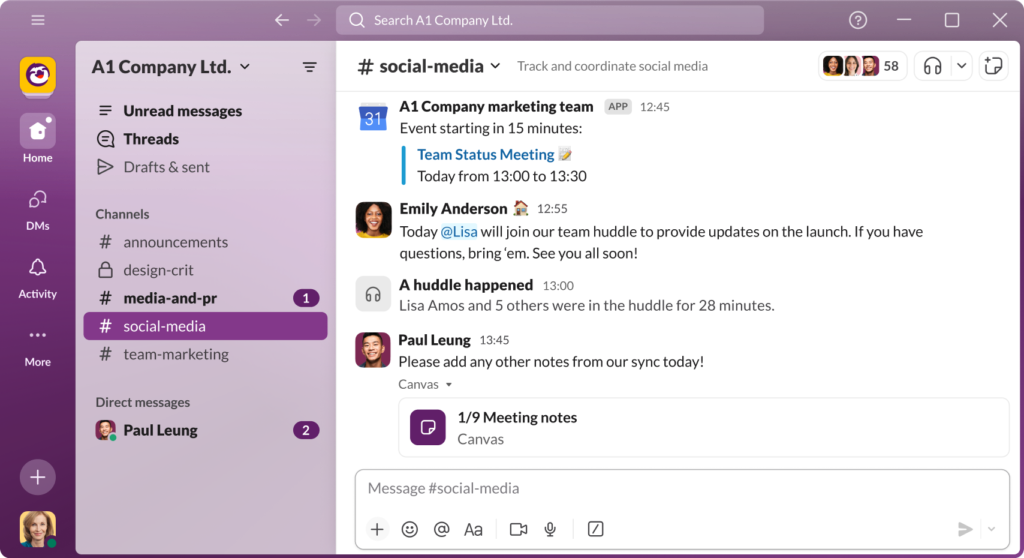
Slack is a messaging app that makes it easy for teams to talk and share ideas. It has features like:
- Channels: Use channels to discuss different topics.
- Direct Messages: Send private messages to individuals.
- File Sharing: Share documents, images, and links easily.
- Integrations: Connect with other apps, including Trello.
If you don’t have a Slack account, you can create one here.
What is Trello?
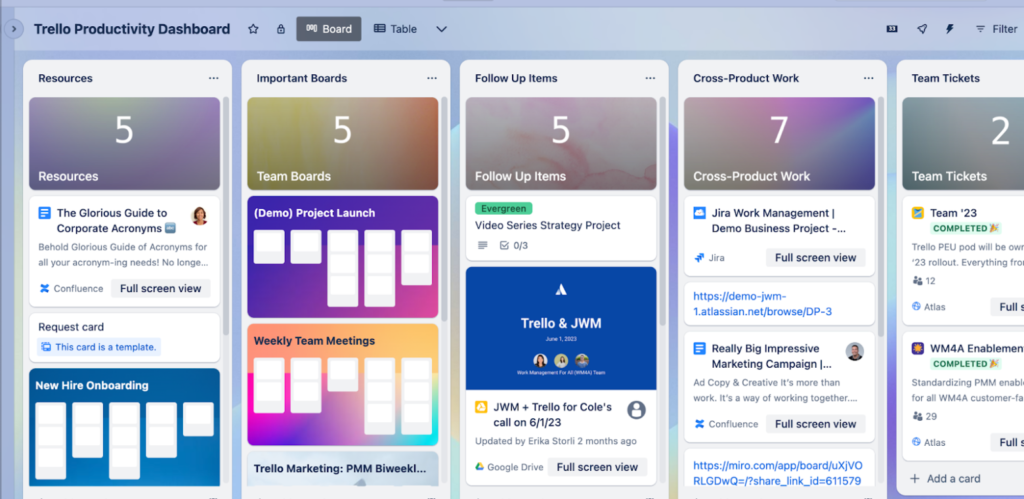
Trello is a tool that helps you manage projects visually. You can create boards, lists, and cards to organize tasks. Here are its features:
- Boards: Set up boards for different projects.
- Lists: Use lists for different stages of work (e.g., To Do, In Progress, Done).
- Cards: Add tasks, descriptions, and deadlines.
- Power-Ups: Use extra features to improve your workflow.
Get started with Trello by creating your account here.
Why Use Slack and Trello Together?
Integrating Slack with Trello gives you several benefits:
- Real-Time Updates: Get instant notifications in Slack when something changes in Trello. You’ll always know what’s happening.
- Easy Communication: Talk about specific tasks in Slack without losing track of the project details.
- Better Workflows: Automate common tasks in Slack to keep everyone on track.
- Visibility: Managers can see project progress quickly through Slack updates.
How to Connect Slack and Trello
Connecting Slack and Trello is easy. Follow these steps:
Step 1: Sign Up for Accounts
If you don’t have accounts yet, sign up for Slack here and Trello here.
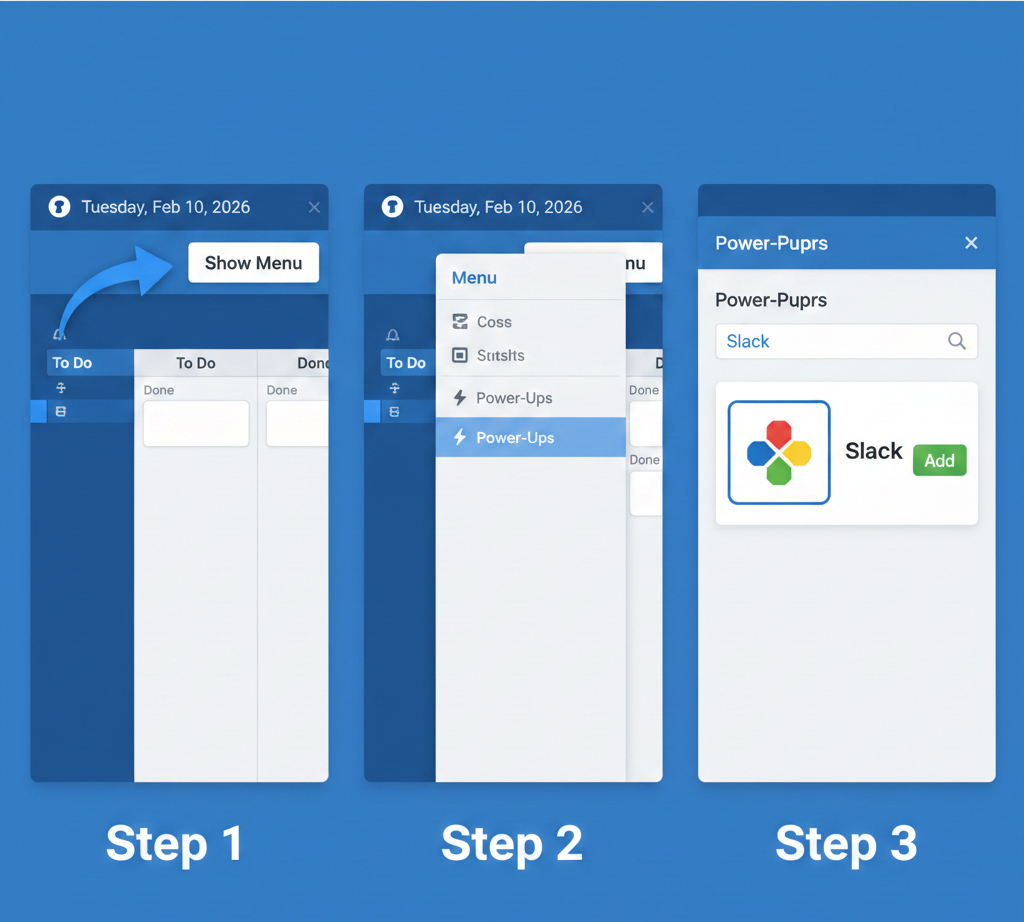
Step 2: Open Trello Power-Ups
- Go to your Trello board.
- Click “Show Menu” on the right side.
- Select “Power-Ups” and find Slack.
Step 3: Enable the Slack Power-Up
- Click “Add” next to the Slack Power-Up.
- Log into your Slack account.
- Allow Trello to connect to Slack.
Step 4: Set Up Notifications
- Choose how you want to receive notifications from Trello in Slack.
- You can get alerts for new cards, movements, or comments.
- Create a Slack channel for these updates.
Step 5: Start Working Together!
Once set up, you’ll receive updates in Slack about Trello tasks, making collaboration smooth and easy.
Tips for Using Slack and Trello Effectively
- Create Project Channels: Make separate channels in Slack for different projects to keep discussions organized.
- Use Trello Comments: Encourage team members to leave comments on Trello cards for task-related discussions.
- Set Reminders: Use reminders in both Slack and Trello to help everyone remember deadlines.
- Regular Check-Ins: Hold quick meetings in Slack to discuss project progress and challenges.
Real-World Examples
Here are some examples of teams that have improved their work using Slack and Trello:
Example 1: Marketing Team
A marketing team improved their project visibility by integrating Slack and Trello. They received real-time updates about tasks, allowing them to quickly address any issues. This led to better workflows and happier clients.
Example 2: Software Developers
A software development team used Slack and Trello to enhance their communication. By creating dedicated channels for sprints, they could easily track progress and make necessary changes, which improved their delivery times.
Common Questions
1. What if my team doesn’t use both tools?
Even if your team mainly uses one tool, you can still benefit from the integration. Combining them can help keep everyone informed.
2. Can I change notification settings?
Yes! You can customize what notifications you receive from Trello in Slack.
3. What if I need help?
If you run into problems, both apps have great support resources:
- For Slack, visit the Slack Customer Care.
- For Trello, check the Trello Support.
4. Is it free to use these two together?
Both Slack and Trello offer free plans that let you use basic features and the integration without cost.
Conclusion
Integrating Slack and Trello can change how your team works together. Real-time updates keep everyone in the loop, and smooth workflows help everyone focus on their tasks.
Ready to improve your team’s productivity? Start using Slack and Trello together today. Get started now!
Leave a Reply