
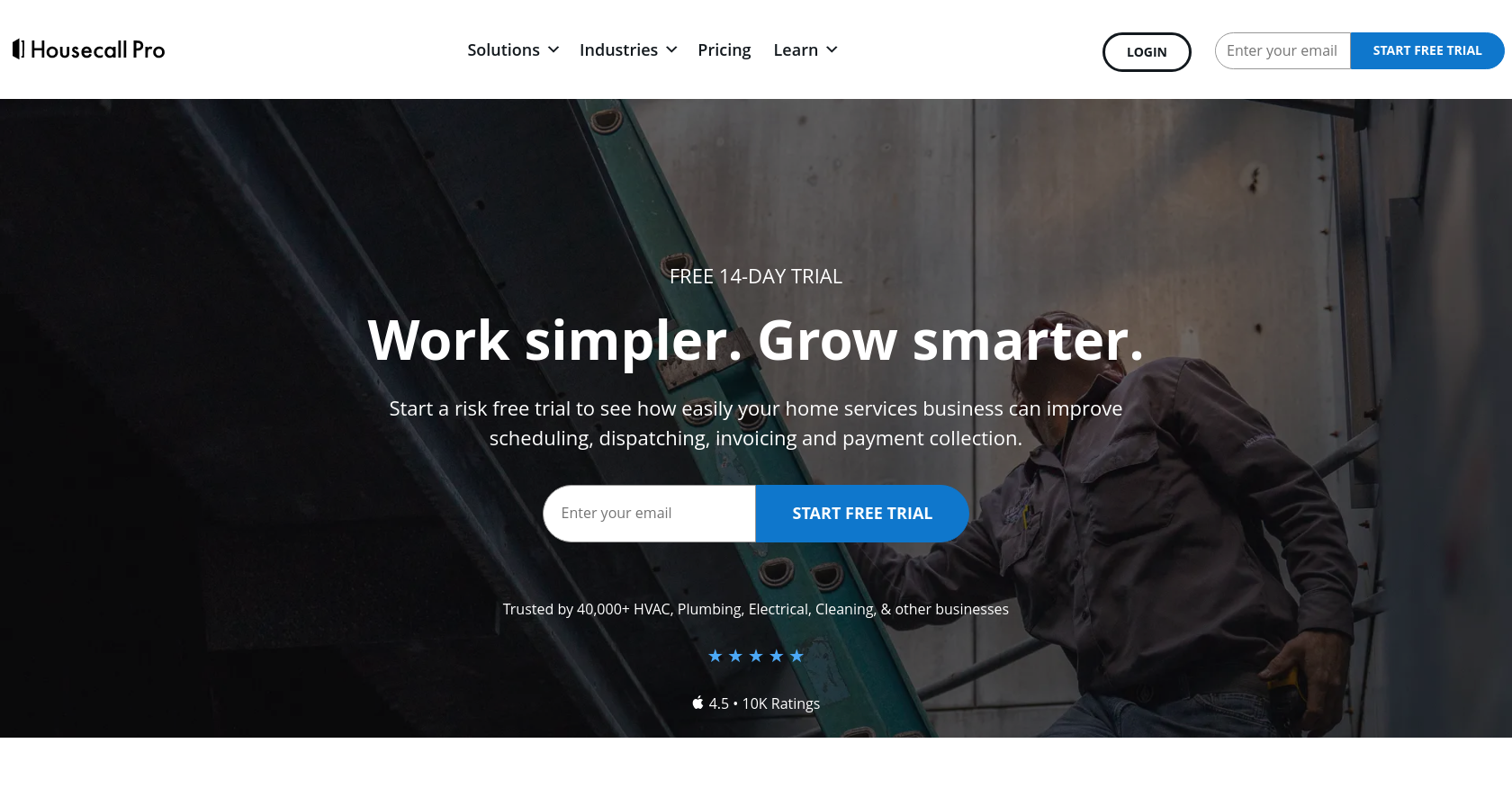
Running a service-based business comes with its challenges. Efficient scheduling and invoicing can make or break your operations. That’s where Housecall Pro shines. This platform is designed to simplify processes and elevate your business.
What is Housecall Pro?
Housecall Pro is a comprehensive software solution tailored for service professionals. Whether you’re in plumbing, HVAC, or landscaping, it helps manage operations efficiently. The platform offers tools for scheduling, invoicing, customer management, and more.
Key Features That Stand Out
- Intuitive Scheduling: Housecall Pro provides a user-friendly calendar interface. You can easily schedule appointments and manage your team’s workload in one place.
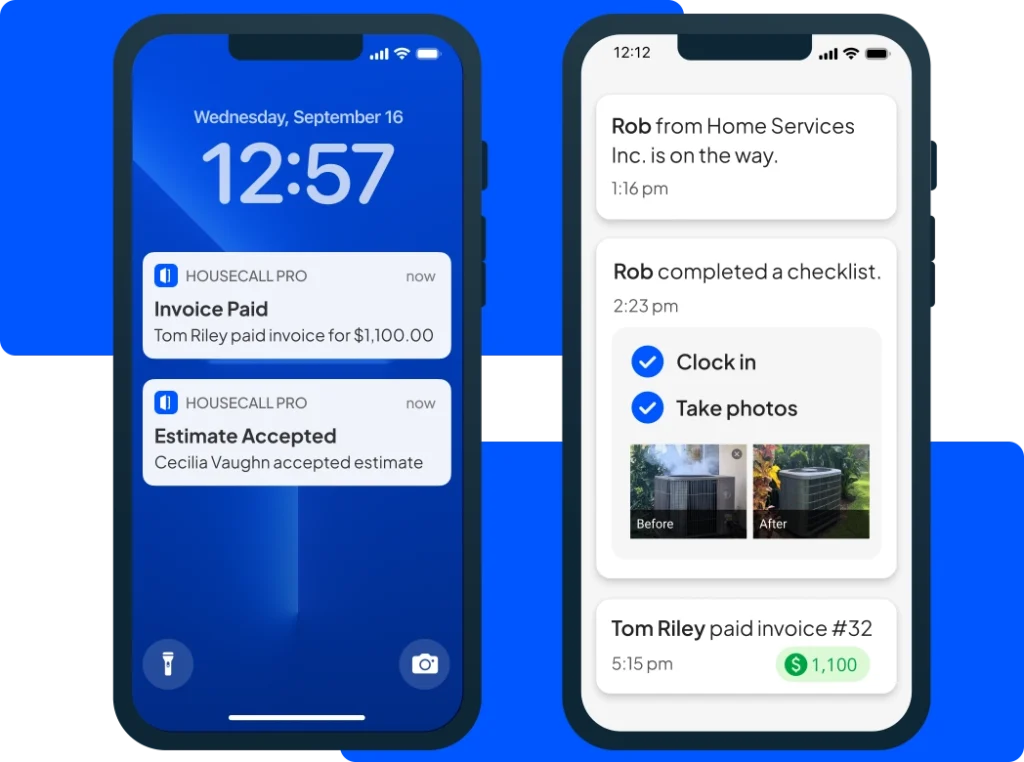
- Automated Reminders: Say goodbye to no-shows! Automated reminders keep both your team and customers informed about upcoming appointments.
- Seamless Invoicing: Create and send invoices effortlessly. You can customize templates and even accept payments online, making the entire process smooth for your customers.
- Mobile Accessibility: With the mobile app, your team can access schedules, customer information, and invoices on the go. This ensures everyone stays connected, even when out in the field.
- Customer Management: Keep track of customer details and service history. This helps in providing personalized service and improving customer satisfaction.

Pricing Plans
Housecall Pro offers flexible pricing to fit various business needs:
- Basic Plan: Starts at $59/month (billed monthly) or $39/month (billed annually). It includes essential features like scheduling, invoicing, and customer management.
- Essentials Plan: Priced at $189/month (billed monthly) or $149/month (billed annually). This plan adds advanced features such as automated marketing and reporting tools.
- Max Plan: This plan is customizable, with pricing available upon request from the vendor. It includes all features plus advanced support and add-ons.
For the latest pricing details, check the Housecall Pro Pricing Page.
How to Create an Account
Getting started with Housecall Pro is easy. Follow these simple steps:
- Visit the Housecall Pro Website: Go to https://www.housecallpro.com/.
- Click on “Get Started”.
- Fill Out Your Information: Provide your name, email, and business details.
- Choose a Plan: Select the pricing plan that suits your business.
- Set Up Your Profile: Complete your business profile by adding services, pricing, and customer data.
- Verify Your Email: Check your inbox for a verification link and click to activate your account.
- Explore the Dashboard: Start using Housecall Pro to manage your scheduling and invoicing
Customer Support Service
Housecall Pro offers robust customer support to help you succeed. You can reach out through:
- Phone Support: Call them at 1 (877) 944-9010 for coaching calls or assistance.
- Live Chat: Use the Blue Chat Bubble in your web account for immediate help.
- Help Center: Visit the [Housecall Pro Help Center] for guides, FAQs, and tutorials at https://help.housecallpro.com/en/.
Conclusion
Housecall Pro is essential for service-based businesses looking to streamline scheduling and invoicing. Its user-friendly features save time and improve efficiency, allowing you to focus on delivering great service. Experience the difference with Housecall Pro today and take your business to the next level
Leave a Reply