
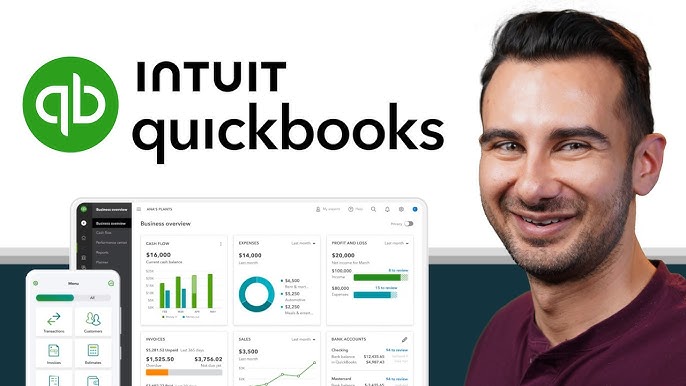
Managing finances can be tricky. Every business needs good tools for keeping track of money. That’s where QuickBooks comes in. It’s the go-to solution for many businesses. Let’s explore why.
What is QuickBooks?
QuickBooks is an accounting software designed to help businesses manage their finances effortlessly. From invoicing to payroll, it covers all the bases. It’s user-friendly and suitable for businesses of any size.
Key Reasons Businesses Choose QuickBooks
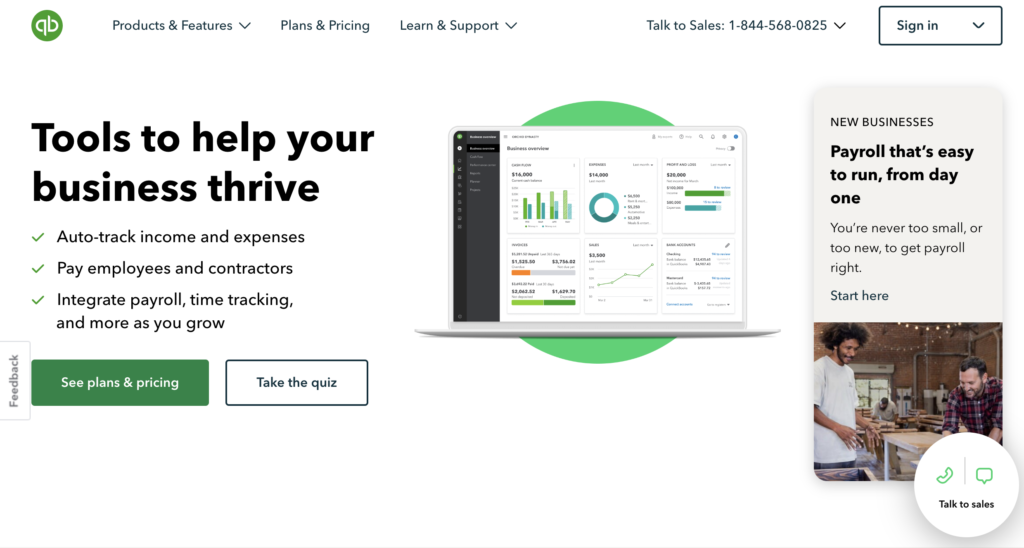
- Easy Invoicing: Generate and send invoices in minutes. Get paid faster and keep track of payments easily.
- Expense Tracking: Quickly capture expenses. Link your bank accounts and credit cards to see your spending in real-time.
- Payroll Management: Pay your employees seamlessly. QuickBooks handles tax calculations and compliance, saving you time.
- Robust Reporting: Access various financial reports. You can see how your business is performing at a glance.
- Cloud-Based Access: Work from anywhere. QuickBooks can be accessed online, making it perfect for remote work.
QuickBooks Pricing Plans
QuickBooks offers flexible pricing options to fit different needs:
- Simple Start: For solo entrepreneurs. Starts at $19/mo (with a 50% discount for 3 months). Includes income and expense tracking, invoicing, and tax deductions.
- Essentials: Starts at $37.50/mo (with a 50% discount for 3 months). Includes everything in Simple Start plus bill management and payment handling.
- Plus: For growing businesses. Starts at $57.50/mo (with a 50% discount for 3 months). Includes project tracking and inventory management.
- Advanced: For larger businesses. Starts at $137.50/mo (with a 50% discount for 3 months). Offers advanced reporting and dedicated account support.
For the latest pricing, visit the official [QuickBooks Pricing Page] at https://quickbooks.intuit.com/global/pricing/.
How to Create a QuickBooks Account
Setting up your QuickBooks account is simple. Just follow these steps:
- Visit the QuickBooks Website: Go to https://quickbooks.intuit.com/.
- Select “Pricing”: Choose the plan that fits your needs.
- Click “Try Free” or “Choose Plan”: If you want to explore without commitment or purchase.
- Enter Your Information: Fill out the required details like your name, email, and phone number. You will create an Intuit Account here [https://quickbooks.intuit.com/learn-support/en-us/help-article/account-management/create-intuit-user-account/L62kSFEOM_US_en_US].
- Set Your Password: Choose a secure password for your account.
- Complete Your Profile: Add information about your business, such as name and type.
- Verify Your Email: Check your inbox for a verification email. Click the link to activate your account.
- Start Using QuickBooks: You are now ready to manage your finances!
Customer Support Service
QuickBooks offers great customer support. Here’s how to get help:
- Phone Support: You can find contact numbers on their support page.
- Live Chat: Use the live chat feature on their website for quick questions.
- Help Center: Visit the official [QuickBooks Help Center] for articles, FAQs, and tutorials at [https://quickbooks.intuit.com/learn-support/en-us/help-article/account-management/contact-quickbooks-products-services-support/L7lDnkKLB_US_en_US].
Conclusion
QuickBooks is essential for any business looking to streamline financial management. Its powerful tools make invoicing, expense tracking, and payroll a breeze. If you want to succeed, consider using QuickBooks. Start your journey today and take control of your finances
Leave a Reply