
Creating great content is tough work. You need strong visuals. You also need a compelling voiceover. Canva handles the visuals perfectly. ElevenLabs brings amazing AI voices to your projects. Combining them makes your content stand out. This guide shows you exactly how to make that happen.
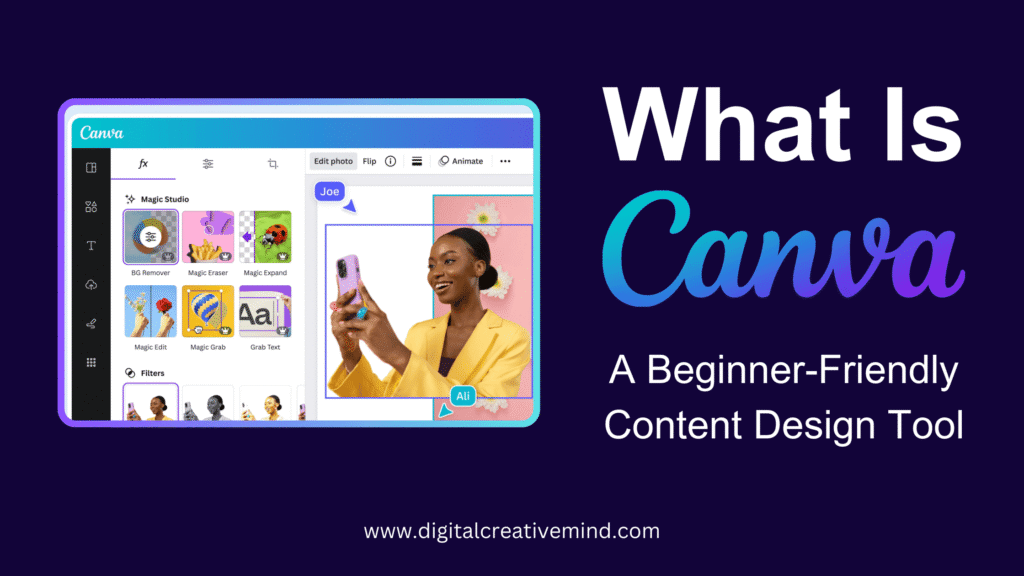
What is Canva?
Canva is a fantastic design tool. It is very intuitive. You can create almost any visual content. Think social media posts. Think presentations. Or even short marketing videos. Canva offers a huge library of templates. It makes professional design accessible to everyone.

What is ElevenLabs?
ElevenLabs is an AI audio platform. It specializes in text-to-speech (TTS). This means it turns written words into realistic speech. The voices sound very natural. They do not sound robotic. This quality is crucial for engaging audiences.
How to Integrate ElevenLabs with Canva
The integration is simple. You generate the audio in ElevenLabs first. Then, you upload that audio file into your Canva project. This process is quick and easy.
Step-by-Step Integration Guide
- Prepare Your Script: Write your script first. Make sure it is polished. A good script leads to a great voiceover.
- Sign In to ElevenLabs: Go to the ElevenLabs website. Log in to your account. If you don’t have one, sign up first.
- Generate Voiceover: Paste your script into the TTS tool. Choose your desired voice. Click the “Generate” button.
- Download the Audio: Once the audio is ready, download the file. It will usually be an MP3 file.
- Open Your Canva Project: Log in to Canva. Open the design or video you are working on.
- Upload the Audio: Go to the “Uploads” section in Canva. Click on “Audio.” Upload the file you just downloaded from ElevenLabs.
- Add Audio to Project: After the upload finishes, drag the audio file. Drop it directly onto your video timeline or design canvas.
- Final Adjustments: Play the audio with your visuals. Make any necessary timing adjustments in Canva.
- Export Your Content: Finalize your project. Export your unique video or presentation.
Creating Your Accounts
You need an account for both tools. Setting them up is fast.
Creating an ElevenLabs Account
- Go to ElevenLabs: Visit https://elevenlabs.io/app/sign-up.
- Find Sign Up: Click the sign-up option.
- Choose Sign-Up Method: You can use your email. Or sign up quickly with GitHub or Google.
- Verify Email: Check your email for a verification link. Click it to activate your account.
Creating a Canva Account
- Go to Canva: Navigate to https://www.canva.com/en_gb/.
- Click Sign Up: Look for the sign-up button.
- Select Sign-Up Method: Use Google, Facebook, or your email address.
- Follow Prompts: Complete the basic setup questions. You will be ready to start designing.
Subscription Plans Overview
Both platforms offer free tiers. Paid plans unlock more power.
ElevenLabs Plans
ElevenLabs pricing is often usage-based.
- Free Plan: Good for building and testing. It has character limits. Commercial use might have restrictions.
- Starter Plan: This is for creators needing commercial rights. It starts at around $5/month.
- Creator Plan: This plan is for professional producers. It costs about $22/month.
- Pro Plan: This is for growing teams. It costs around $99/month.
- Scale/Business Plans: These are for high-volume users. They start higher, like $330/month for Scale.
For the most current details, check the ElevenLabs Pricing page.
Canva Plans
Canva has clear tiers for different users.
- Canva Free: This plan costs $0.00 per month. It offers basic tools and 5GB storage.
- Canva Pro: This is for individuals needing premium assets. It costs about $14.99 per month or $119.99 per year.
- Canva for Teams: This plan adds collaboration tools. It starts around $29.99 per month for the first 5 people.
You can review the current costs on the Canva Pricing page.
FAQs
1. Can I use ElevenLabs voices commercially in Canva?
Yes, most paid ElevenLabs plans include commercial usage rights. Always check the terms of your specific plan.
2. Does Canva have its own text-to-speech?
Canva has basic TTS features. However, ElevenLabs offers much more natural and high-quality voices.
3. Do I need to pay for both tools?
You can start with the free tiers of both. For heavy use or advanced features, you will need a paid subscription for one or both.
4. Can I clone my voice with ElevenLabs?
Yes, voice cloning is a feature in ElevenLabs. This lets you use your own voice for narration.
5. Where can I find help if I get stuck?
Both platforms offer excellent support resources.
Customer Support Services
Need a hand? Both companies offer good help channels.
- For ElevenLabs: You can email them directly at team@elevenlabs.io for specific issues. For general questions, use their AI chatbot or visit the ElevenLabs Help Center.
- For Canva: Canva offers 24/7 customer support. Visit the Canva Help Center for guides and contact forms.
Conclusion
Combining ElevenLabs and Canva is smart. You get industry-leading visuals. You get incredibly realistic voice narration. This integration makes your content powerful. It helps you create unique videos and presentations easily. Stop settling for average audio. Start making content that truly captures attention.
Take your content creation to the next level today!
For more information, visit Canva and ElevenLabs.
Leave a Reply