
In today’s world, security is a top concern for developers. Every line of code matters. Even a tiny vulnerability can bring down an entire application. That’s where Snyk comes in. It helps developers find and fix security issues quickly. Let’s explore how Snyk can make your coding safer.
What is Snyk?
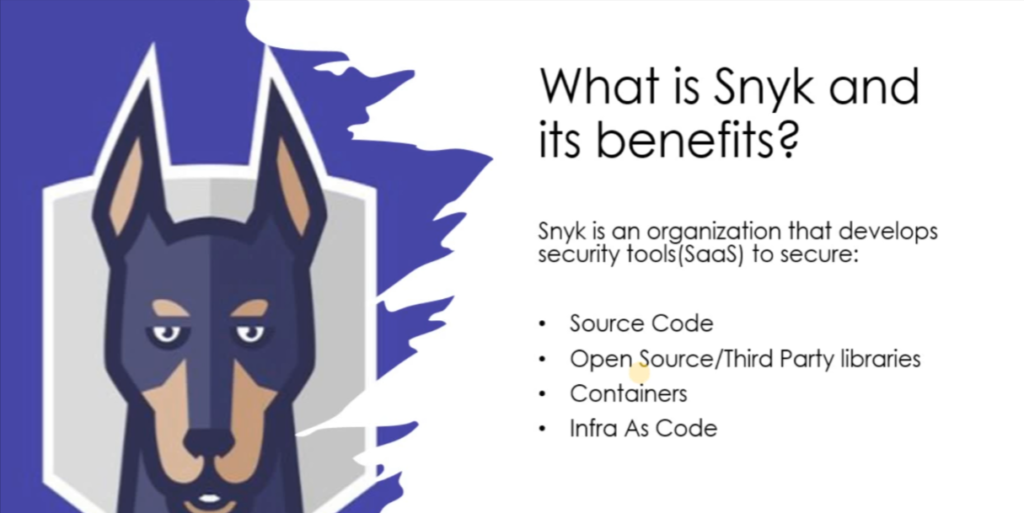
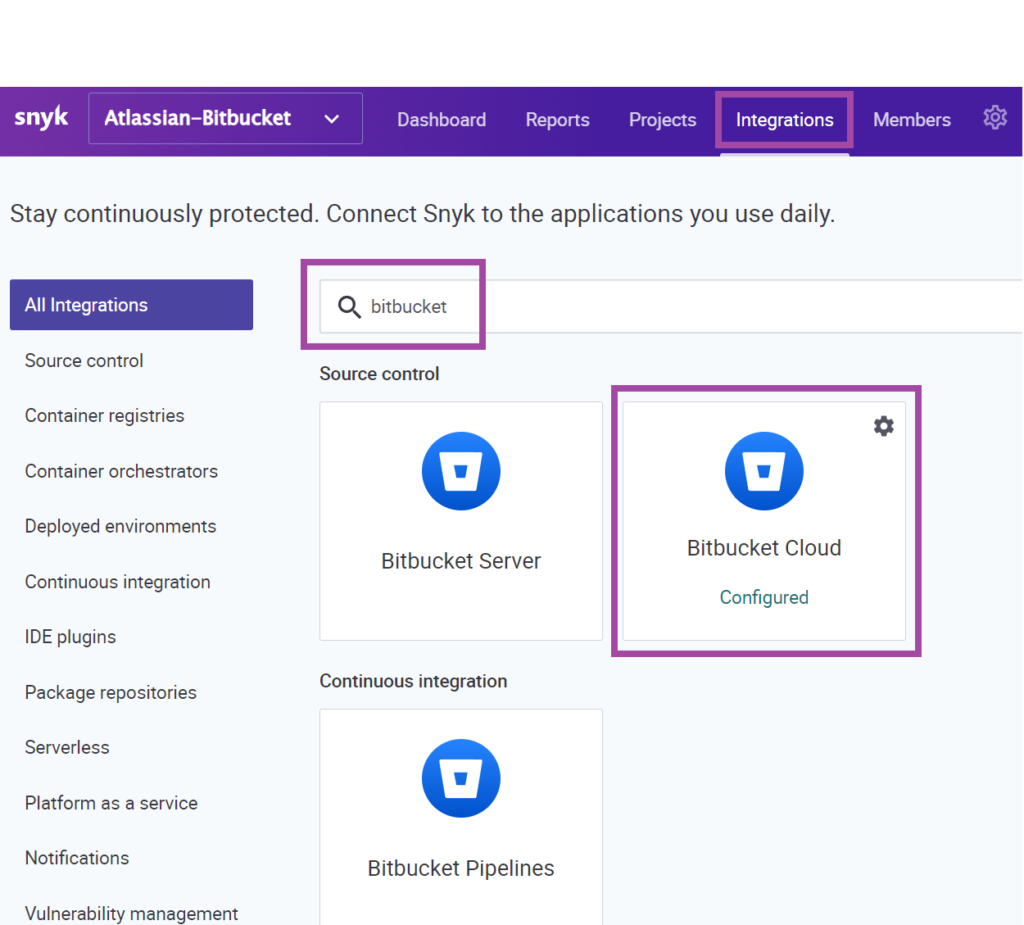
Snyk is a developer-first security platform. It integrates with your existing workflow. Whether you’re using GitHub, GitLab, or Bitbucket, Snyk fits right in. Its tools scan your code for vulnerabilities in real-time. If it finds issues, it offers solutions to fix them.
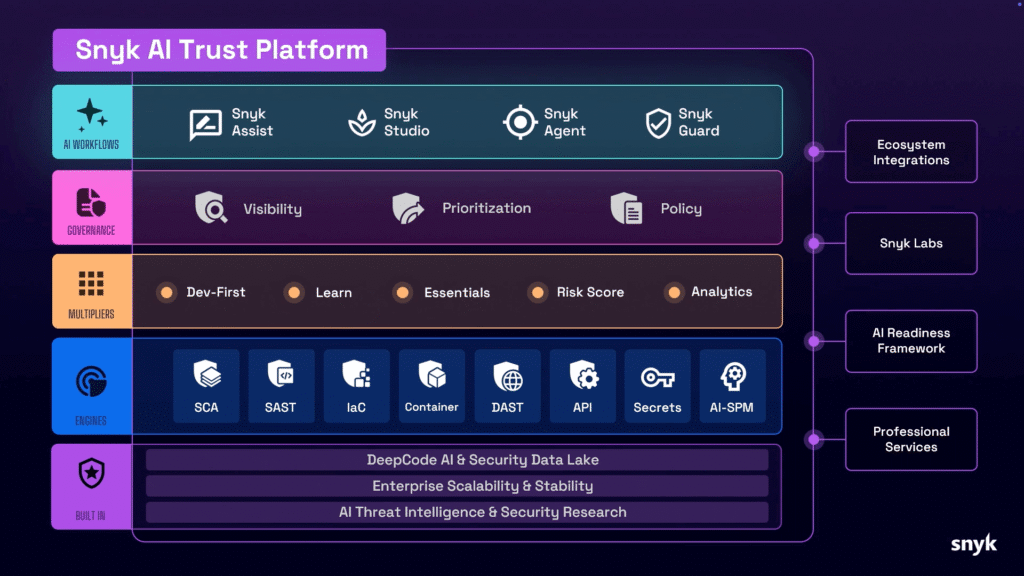
Key Features
Continuous Scanning
Snyk continuously scans your code. It checks for vulnerabilities in your dependencies. The scans happen automatically as you work. This way, you catch problems before they escalate.
Detailed Reports
When Snyk finds a vulnerability, it doesn’t just show the issue. It provides detailed reports. You’ll know exactly what the problem is, where to find it, and how to fix it. This saves time and gives you clarity.
Fix Suggestions
Snyk offers advice on how to resolve issues. It recommends the best course of action. This might include updating dependencies or modifying your code. Following these suggestions helps you secure your application efficiently.
Getting Started with Snyk
Step 1: Create a Snyk Account
Creating a Snyk account is easy. Here’s how you do it:
- Visit Snyk’s Website: Go to Snyk.io.
- Sign Up: Click on the “Sign Up” button.
- Choose Your Method: You can sign up using your GitHub, GitLab, or Bitbucket account. Alternatively, use your email.
- Verify Email: If you use your email, check your inbox for a verification link. Click it to verify your account.
- Complete Profile: Fill in your details to finish setting up your profile.
Step 2: Connect Your Repository
Once your account is ready, connect it to your code repository:
- Log In: Log into your Snyk account.
- Select “Add Project”: Click on the button to add a new project.
- Choose Repository: Snyk will show your connected repositories. Select the one you want to scan.
- Authorize Access: Allow Snyk to access your code repository.
Step 3: Run Your First Scan
Now you’re ready to run your first scan:
- Click on Your Project: Select the project you just added.
- Run Scan: Click on the “Test” button to start scanning for vulnerabilities.
- Review Results: Snyk will display the scan results. It will list any vulnerabilities found in your code.
Step 4: Fix Vulnerabilities
If Snyk identifies any vulnerabilities, follow these steps:
- Check Recommendations: Review the suggested fixes for each issue.
- Update Code or Dependencies: Implement the recommended changes in your code.
- Run Another Scan: After making changes, run another scan to ensure the vulnerabilities are fixed.
Subscription Plans
Snyk offers several subscription plans to meet different needs:
- Free Plan: Great for individual developers. It provides basic scanning and limited features.
- Pro Plan: This plan is designed for small teams. It includes advanced features, more integrations, and priority support.
- Enterprise Plan: This option is for larger organizations. It offers custom pricing, advanced security features, and dedicated support.
For more details, check the Snyk Pricing Page.
FAQs
1. What is Snyk?
Snyk is a security platform that helps developers find and fix vulnerabilities in their code.
2. Is Snyk easy to use?
Yes, Snyk integrates seamlessly into your development workflow and is user-friendly.
3. Can I use Snyk for free?
Yes, Snyk offers a free plan for individual developers, with limited features.
4. What programming languages does Snyk support?
Snyk supports multiple languages, including JavaScript, Java, Python, Ruby, and Go.
5. How can I get support from Snyk?
You can access support through their support page for FAQs, documentation, and contact options.
Customer Support Services
Snyk is committed to helping its users succeed. Here’s how you can get support:
- Documentation: Access Snyk’s documentation for guides and tutorials.
- Community Forum: Join the Snyk community for discussions and advice.
- Contact Support: Visit the support page for more assistance.
Conclusion
Security is critical in development. With Snyk, you can identify and fix vulnerabilities in your code quickly. From continuous scanning to detailed reports and fixed suggestions, Snyk streamlines the process. Make security a priority today. Start using Snyk and build safer applications!
For more information and to get started, visit Snyk.
Leave a Reply