
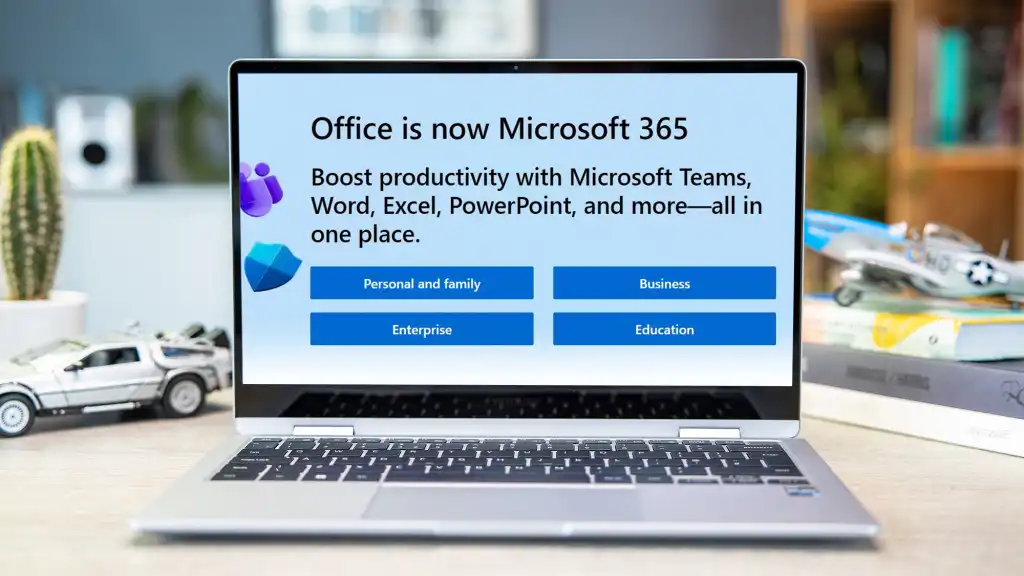
Microsoft 365 is a crucial tool for businesses and individuals. It provides many applications that improve productivity and collaboration. In this blog, we will explore how Microsoft 365 stands out. We will compare it to its leading competitors and highlight the unique benefits it offers.
Overview of Microsoft 365
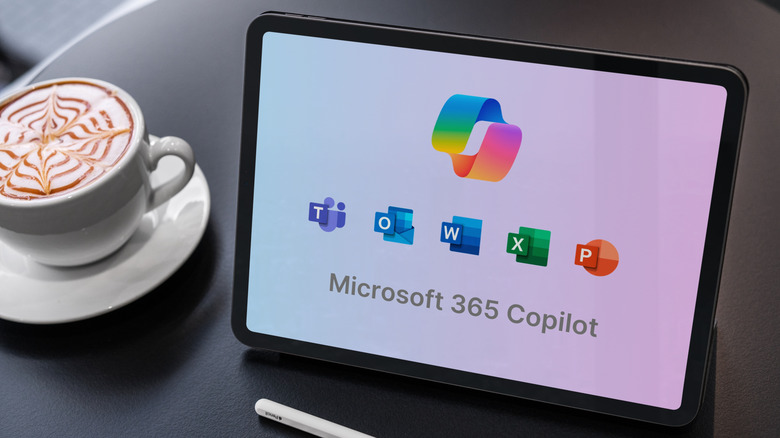
Microsoft 365 is a subscription-based service. It includes applications like Word, Excel, PowerPoint, and Outlook. It also features collaboration tools like Teams and OneDrive. This suite allows users to work from anywhere, on any device. This is essential in today’s remote work environment.
How Microsoft 365 Surpasses Competitors
1. Seamless Integration
One major advantage of Microsoft 365 is its seamless integration with other Microsoft products. Many companies already use Windows and Office applications. With Microsoft 365, everything works together smoothly.
Comparison with Competitors
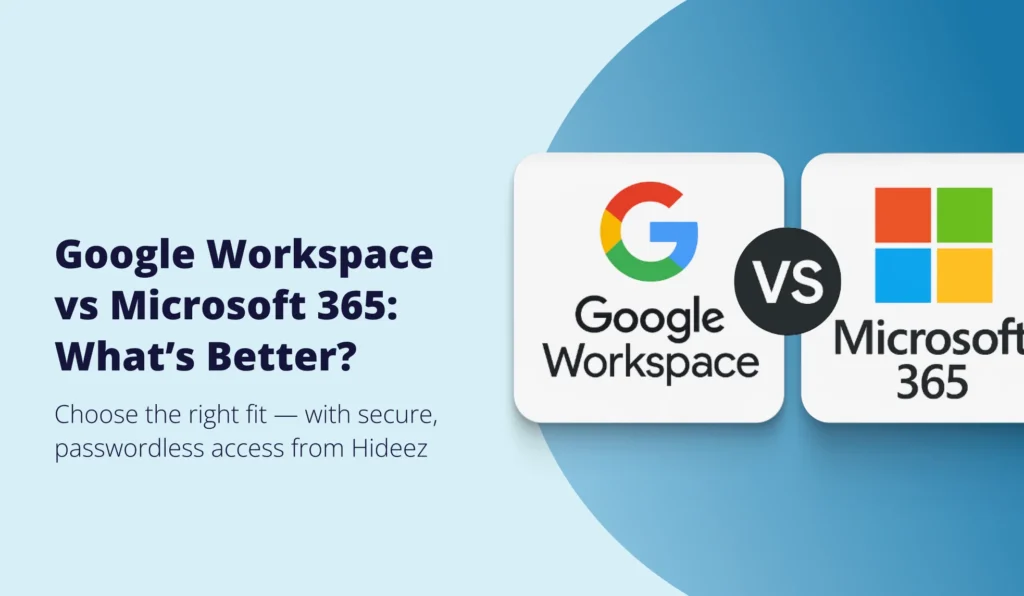
- Google Workspace: Google offers Docs and Sheets. However, the integration with Windows isn’t as strong. Users often face hurdles when switching.
- Zoho Office: Zoho has advantages but does not integrate as well with Microsoft tools.
2. User-Friendly Design
The user interface of Microsoft 365 is easy to use. Most people are familiar with Microsoft products. This familiarity means less time spent learning.
Comparison with Competitors
- Google Workspace: Offers simplicity, but Google’s different approach can be challenging.
- Apple iWork: It is nice to look at, but its limited compatibility with Windows makes it less desirable.
3. Enhanced Security
Security is a top priority for any organization. Microsoft 365 offers advanced security features. These include data encryption and multi-factor authentication.
Comparison with Competitors
- Google Workspace: Focuses on security but lacks depth in enterprise solutions.
- Zoho Office: It has some security features but may not match Microsoft’s offerings.
4. Flexibility and Accessibility
Microsoft 365 allows users to access their work from any location. Whether you’re at home, in the office, or on the go, Microsoft 365 is accessible on multiple devices. This flexibility is crucial for remote work.
Comparison with Competitors
- Google Workspace: Also provides cloud access, but performance may lag.
- Apple iWork: Limited to Apple devices, restricting accessibility.
5. Comprehensive Suite of Applications
Microsoft 365 offers a full range of applications. From document creation to data analysis, everything is available in one place.
Comparison with Competitors
- Google Workspace: It has key apps, but is not as comprehensive as Microsoft 365.
- Zoho Office: It offers good features, but lacks some advanced options in Microsoft applications.

Specific Benefits of Microsoft 365
- Collaboration Tools: Microsoft Teams helps teams communicate and collaborate in real time. Users can chat, video call, and share files easily.
- Cloud Storage: OneDrive provides significant cloud storage. Users can save and share files easily. Accessing files from any device is simple once they’re uploaded.
- Regular Updates: Microsoft ensures that software stays current. Users don’t have to worry about outdated tools.
- Robust Customer Support: Microsoft provides 24/7 customer support and many online resources, including tutorials and forums.
Why Microsoft 365 is the Best Choice
Microsoft 365 combines collaboration, security, and user experience into one package. It effectively addresses modern workplace challenges. Its brand reputation and resources give it an advantage. While other tools might offer innovative features, Microsoft 365’s reliability makes it the preferred choice for many.
Frequently Asked Questions (FAQs)
1. What is Microsoft 365?
Microsoft 365 is a subscription-based service with many productivity and collaboration tools.
2. How does Microsoft 365 enhance collaboration?
It features tools like Microsoft Teams, allowing real-time communication.
3. Is Microsoft 365 secure?
Yes, Microsoft 365 prioritizes security and provides many features to protect user data.
4. Can I access Microsoft 365 on my mobile device?
Absolutely! Microsoft 365 is accessible on smartphones, tablets, and computers.
5. What type of customer support does Microsoft offer?
Microsoft provides 24/7 support and an extensive online help center.
Customer Care
Microsoft is dedicated to excellent customer service. Users can contact support via chat, phone, or email. The online help center is filled with articles, videos, and tutorials to guide users in solving common issues.
Helpful Links for More Information
Conclusion
In conclusion, Microsoft 365 stands out in productivity software. Its integration, security features, and user-friendly design make it perfect for businesses of all sizes. Competitors like Google Workspace and Zoho Office have strengths, but Microsoft 365 provides a comprehensive solution that meets modern needs. The combination of tools, support, and reliability makes Microsoft 365 an invaluable asset in today’s digital landscape.
In a world demanding flexibility and efficiency, choosing Microsoft 365 is a wise decision for those looking to enhance productivity.
Leave a Reply