

Notion has changed into a powerful productivity tool. It helps you organize your thoughts, tasks, and projects. This blog will explore how Notion has become a “Second Brain.” We will compare it with top competitors and explain why it is often seen as the best. By the end, you’ll see how Notion can improve your personal and work life.
The Journey of Notion
Notion began as a basic note-taking app. Over the years, it has made many changes. The company listened to what users wanted and adjusted its features. Now, Notion offers tools for managing tasks, taking notes, and organizing projects. This growth matches a rising trend toward tools that help people be more productive.
The Concept of a “Second Brain”
A “Second Brain” is a system that helps you keep and find information easily. Notion lets you arrange your thoughts, ideas, and tasks in one space. It acts like an extra memory, helping you focus on what’s important. With new AI features, Notion makes this process even simpler and smarter.
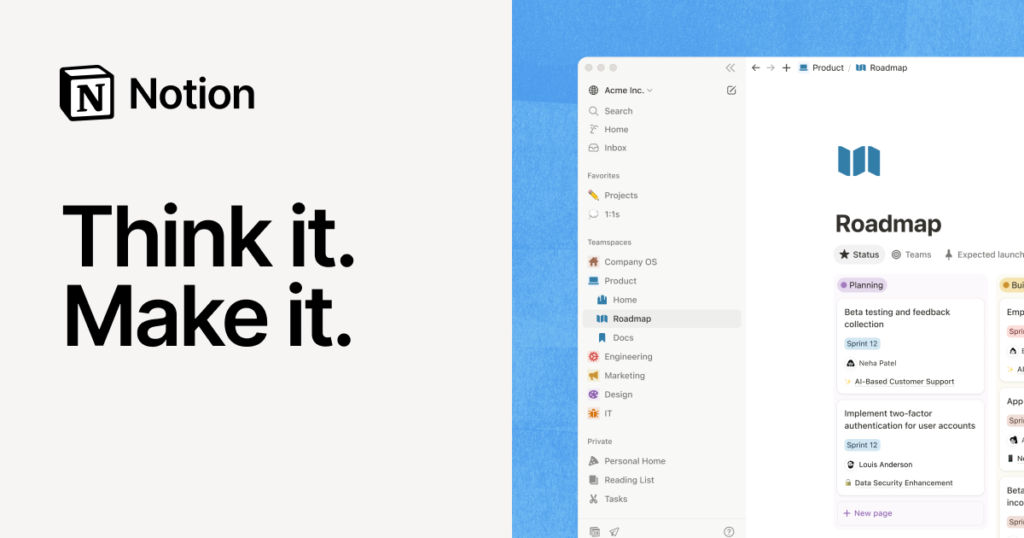
Key Features of Notion
Notion has many features to help you get more done. Here are some of them:
1. Customizable Templates
Users can create their own templates for different needs. This lets you make personalized dashboards, track projects, and list tasks. The flexibility in design is one of Notion’s best features.
2. Powerful Collaboration Tools
Notion makes it easy to work together. Teams can edit documents at the same time, making it simple to cooperate on projects. This feature boosts communication and teamwork, which are important in today’s remote work world.
3. Integrated AI Capabilities
The integration of AI gives users smart suggestions and automations. AI can help create content, summarize notes, and organize information. This makes Notion more than just a basic organization tool.
4. Multi-Platform Accessibility
Notion works on many platforms, such as Windows, macOS, iOS, and Android. This means you can access your information from anywhere—at home, in the office, or while traveling.
5. Rich Media Support
Notion allows you to add different types of media. You can include images, videos, and links in your notes. This makes your workspace more engaging and informative.
Notion vs. Competitors
Notion stands out among many productivity tools. Let’s see how it compares to its main competitors.
1. Notion vs. Evernote
Evernote has been a popular note-taking app for a long time. While it offers strong features, it’s not as flexible as Notion. Evernote’s setup can feel limiting, making customization tricky. Notion allows users to adapt their workspaces easily.
2. Notion vs. Trello
Trello is great for managing projects. It uses a card system that helps with visual organization. However, it doesn’t have the full note-taking features that Notion provides. Notion combines project management with rich text editing, making it more versatile.
3. Notion vs. ClickUp
ClickUp has many features but can feel confusing for new users. Its packed interface might overwhelm some people. Notion keeps things simple yet offers enough flexibility for advanced users.
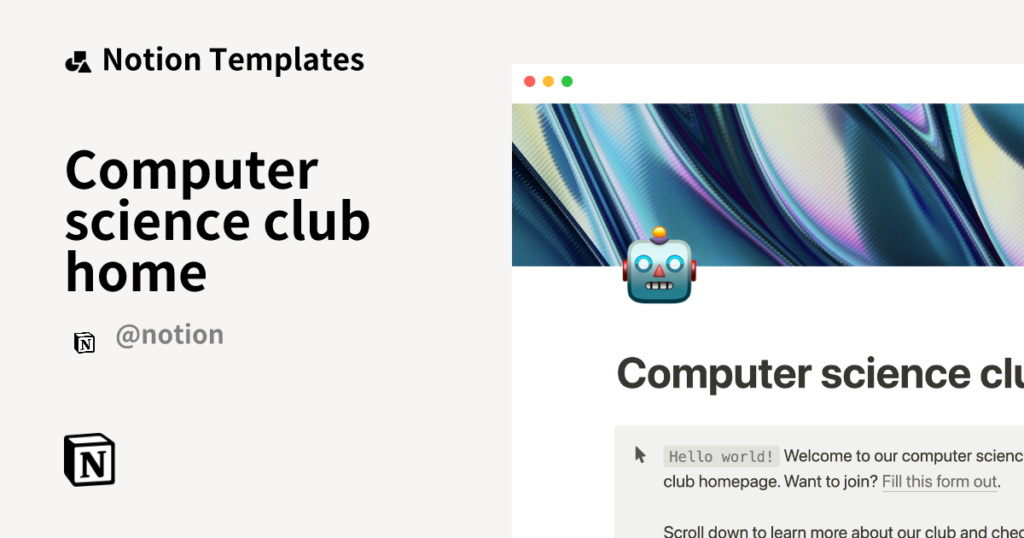
Why Notion is the Best Choice
Now that we’ve looked at Notion’s features and compared it to other tools, let’s see why Notion is often thought to be the best option.
1. User-Centric Development
Notion’s growth is based on user feedback. The team listens to what users say and makes changes according to their needs. This keeps the tool effective and useful.
2. Versatility for Individuals and Teams
Notion fits various workflows. Whether you’re a student, freelancer, or part of a big company, Notion can adjust to your needs. Its flexibility helps with many tasks without being complicated.
3. Cost-Effective Solutions
Notion offers reasonable pricing. The Free Plan has strong features for personal use. For teams, the plans are affordable compared to other tools that charge more for fewer features. This makes it appealing for startups and individuals.
Getting Started with Notion
Creating a Notion Account
Setting up a Notion account is easy. Just follow these steps:
- Go to the Notion website.
- Click on “Sign Up.”
- Choose how you want to sign up. You can use your email or a social media account.
- Follow the prompts to finish registering.
- Set up your workspace. You can pick a template or start fresh.
Pricing Plans and Subscription Options
Notion offers several plans to choose from:
- Free Plan: Great for personal use with essential features.
- Personal Pro Plan: $5 per month. Offers more options for individuals.
- Team Plan: $10 per user per month. Best for group work.
- Enterprise Plan: Custom pricing. For larger organizations with specific needs.
Frequently Asked Questions (FAQs)
1. What is Notion?
Notion is a flexible tool for taking notes, managing projects, and organizing information.
2. How does Notion’s AI work?
Notion’s AI provides smart suggestions and automates some tasks.
3. Can I work with my team on Notion?
Yes, Notion allows team members to work together in real time.
4. Is there a mobile app for Notion?
Yes, Notion has apps for both iOS and Android devices.
5. How can I reach customer support for Notion?
You can email Notion’s support team or visit their help center online.
Customer Support
Notion cares about providing great support. You can reach them via email. They also have a helpful help center with articles, tutorials, and FAQs.
Helpful Links for More Information
Conclusion
In summary, Notion has become the ultimate “Second Brain” for many users. Its journey from a note-taking app to a full productivity tool is impressive. With features that cater to both individuals and teams, it stands out among competitors. The integration of AI makes Notion the best choice for anyone looking to improve their organization and productivity.
If you want a tool to help manage your thoughts and tasks effectively, Notion is well worth trying. As you start using Notion, you’ll find that it not only helps with your work but also supports your personal growth. Take the first step today and explore the potential of Notion!
Leave a Reply