
In today’s fast-paced business environment, collaboration and communication are key. Teams need tools that make it easy to work together, no matter where they are. This is where Google Workspace comes in.
Google Workspace offers a suite of powerful tools that help teams collaborate effectively. Whether you’re brainstorming ideas in Google Docs or having a video meeting in Google Meet, the platform has everything you need. Let’s explore why you should consider adopting Google Workspace for your team.
Streamlined Collaboration
Integrated Tools
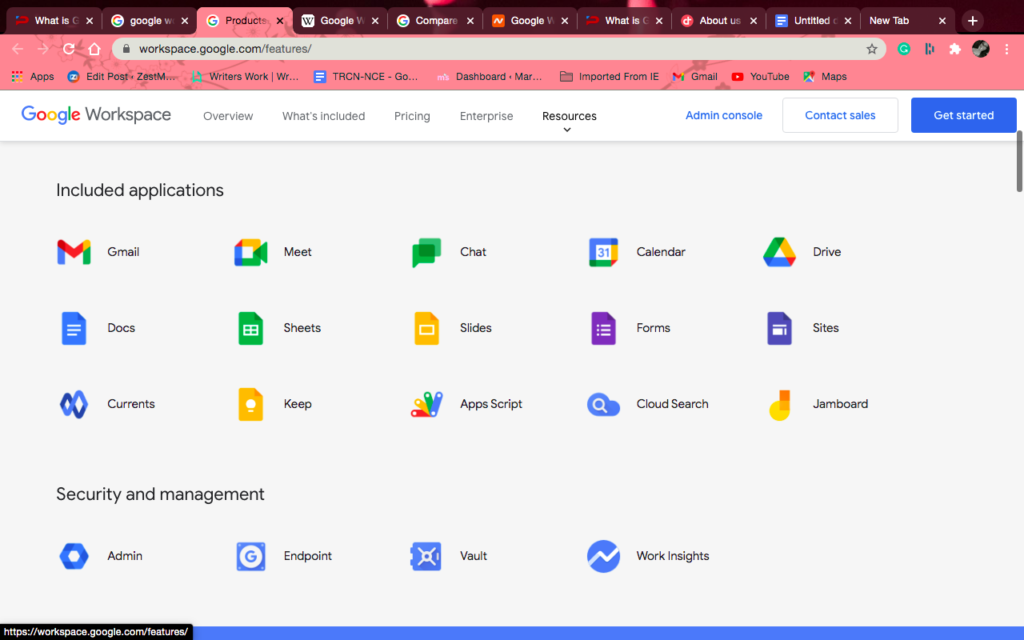
Google Workspace combines various applications into one cohesive platform. You have Gmail, Google Drive, Google Docs, Sheets, Slides, and more all in one place. This integration simplifies the workflow. No more switching between apps or losing track of files. Everything is accessible with just a few clicks.
Real-Time Collaboration
One of the standout features is real-time editing. Multiple team members can work on a document simultaneously. You can see changes as they happen. This means less back-and-forth communication and faster decision-making.
Easy Sharing and Accessibility
Google Workspace makes sharing files easy. You can share documents, spreadsheets, and presentations with just a few clicks. Control permissions as needed—view, comment, or edit. Plus, because everything is cloud-based, you can access your files from anywhere, at any time.
Increased Productivity
Task Management Made Simple
With Google Workspace, you can easily assign tasks. You can create to-do lists in Google Tasks, link them to Gmail, and set deadlines. This keeps everyone on track and accountable.
Calendar Integration
Google Calendar integrates seamlessly with other tools. Schedule meetings, set reminders, and share calendars with your team. This helps avoid scheduling conflicts and ensures everyone is on the same page.
Automation Features
Work smarter, not harder. Google Workspace offers automation features. Use Google Apps Script to automate repetitive tasks. This can save time and reduce manual errors.
Enhanced Communication
Gmail
Gmail is not just an email service; it’s a productivity powerhouse. You can use its powerful search features to find emails quickly. Organize your inbox with labels and filters. Plus, with Google Meet integration, you can start a video call directly from your inbox.
Google Meet
With Google Meet, video conferencing is a breeze. Schedule meetings directly from your Google Calendar. You’ll enjoy high-quality video and audio, making virtual meetings feel more personal.
Chat & Rooms
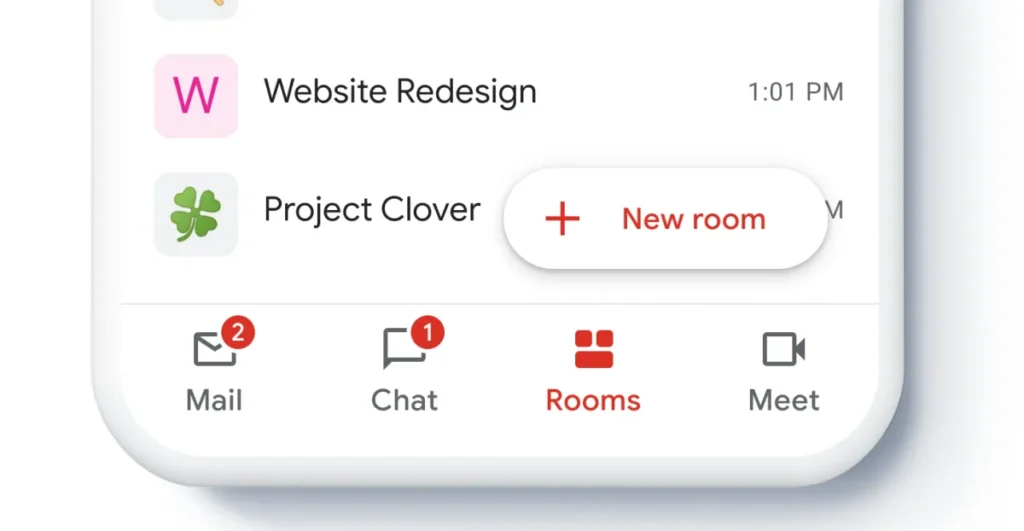
Google Chat offers instant messaging for quick questions or discussions. Create Rooms for specific projects and keep conversations organized. This keeps your team connected and informed.
Flexibility and Scalability
Suitable for All Sizes
Google Workspace is designed for teams of all sizes. Whether you’re a small startup or a large corporation, the tools can scale with your needs. You can start with a few licenses and expand as your team grows.
Remote Work Ready
In an era where remote work is becoming the norm, Google Workspace shines. Its cloud-based nature means your team can collaborate from anywhere. All you need is an internet connection.
Security and Reliability
Data Protection
Google takes security seriously. With features like two-factor authentication and encryption, your data is safe. Regular security updates and compliance with global standards ensure that your team’s information remains protected.
99.9% Uptime
Google Workspace boasts a 99.9% uptime guarantee. This means you can rely on the platform for your daily operations without the fear of downtime disrupting your workflow.
Step-by-Step Guide: How to Create a New Account
Creating a Google Workspace account is straightforward. Here’s how to get started:
- Visit the Google Workspace Website: Go to Google Workspace.
- Choose a Plan: Click on the “Get Started” button. Review the available plans: Business Starter, Business Standard, or Business Plus, and select one that suits your needs.
- Enter Your Business Name: Fill in your business name and the number of employees. Click “Next.”
- Provide Your Contact Information: Enter your first and last name, as well as your email address. Click “Next” to proceed.
- Set Up Your Domain: If you don’t have a domain, Google will help you purchase one. If you already own a domain, enter it here.
- Create Your Username and Password: This will be your Google Workspace login. Choose a strong password to keep your account secure.
- Verify Your Domain: Follow the prompts to verify your domain. This usually involves adding a TXT record to your domain’s DNS settings.
- Set Up Billing Information: Enter your payment details to finalize your subscription.
- Complete the Setup: Follow any additional prompts to finalize your account setup.
Congratulations! You now have access to Google Workspace.
FAQs
1. What is Google Workspace?
Google Workspace is a cloud-based suite of productivity tools designed to help teams collaborate effectively. It includes applications like Gmail, Google Drive, Google Docs, Google Sheets, Google Meet, and more.
2. Is Google Workspace secure?
Yes, Google Workspace employs robust security measures, including two-factor authentication and data encryption, to protect user data.
3. Can I access Google Workspace offline?
Yes, certain applications like Google Docs, Sheets, and Slides allow offline access. You need to enable offline mode while connected to the internet.
4. How much does Google Workspace cost?
Pricing varies depending on the plan you choose. Plans typically range from $6 to $18 per user per month. Check the Google Workspace Pricing page for details.
5. How can I contact Google Workspace support?
You can reach out to Google Workspace Support for assistance. They offer various support options, including chat and email.
Customer Support Services
Google Workspace offers comprehensive customer support. Here’s how you can get help when you need it:
- Help Center: Visit the Google Workspace Help Center for articles and guides.
- Community Forums: Join the Google Workspace community to ask questions and share insights.
- Chat and Email Support: Get real-time support through chat or email. Access these options from your Google Workspace admin panel.
Conclusion
In an age where collaboration and efficiency are paramount, Google Workspace stands out as a transformative tool. It offers everything your team needs to unlock its full potential—from seamless communication and real-time collaboration to robust security features.
Adopting Google Workspace means embracing a smarter, more efficient way of working. Say goodbye to outdated processes and hello to a more connected, productive team.
Don’t wait any longer. Make the move to Google Workspace and watch your team thrive!
For more information and to start your journey, visit Google Workspace.
Leave a Reply